



17
JUNGetting Started with Web Development in Nepal
The exact tools you need, the order to learn things in, and three real first-project ideas — a practical starting guide, not just career motivation.
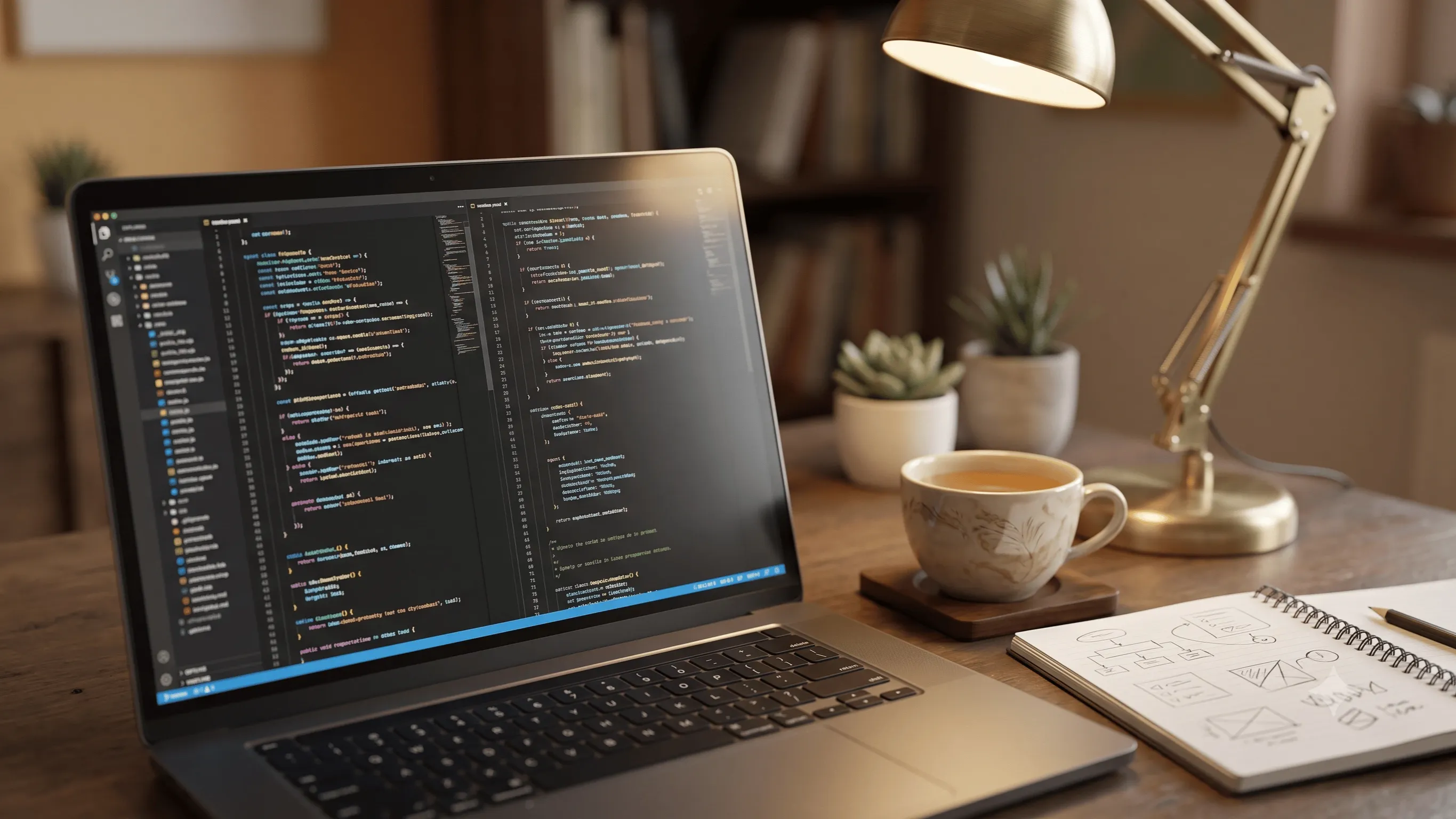
To actually start web development in Nepal today, you need three things: a laptop (nothing fancy), a free code editor, and the discipline to spend your entire first month on plain HTML and CSS before touching anything else. Skipping that step is the single most common reason beginners stall out. Here's the exact order to learn things in, with real first-project ideas rather than vague advice.
What You Actually Need Before Writing a Single Line
- A laptop — any laptop from the last several years works fine. You do not need a gaming PC or a high-end machine to write HTML, CSS, or JavaScript.
- VS Code — free, and the industry-standard code editor for beginners and professionals alike.
- A browser with developer tools — Chrome or Firefox, both free, used constantly to inspect and debug your pages as you build them.
- A GitHub account — free, and where you'll eventually host your code and portfolio projects publicly.
Nothing on this list costs money. Be suspicious of anything that tells you that you need to buy a course, a specific laptop, or paid software before you can start.
The Exact Order to Learn Things In
| Step | What to learn | Why this order matters |
|---|---|---|
| 1 | HTML — structure, headings, links, images, forms | Every page is built on this; skipping ahead makes CSS confusing later |
| 2 | CSS — styling, layout with Flexbox and Grid, responsive design | You need to be able to control layout before adding interactivity |
| 3 | JavaScript basics — variables, functions, DOM manipulation, events | This is what makes a page respond to clicks, input, and user actions |
| 4 | Git & GitHub basics | Every real job and collaborative project assumes you already know this |
| 5 | A back-end language (PHP) + a database (MySQL) | This is what lets a site actually save and retrieve data, not just display it |
| 6 | Build and deploy one complete real project | This is where scattered knowledge actually becomes a usable skill |
Your First 3 Projects, in Order of Difficulty
- A personal portfolio page (HTML + CSS only) — forces you to practice layout, spacing, and responsive design without the added complexity of logic.
- A simple to-do list app (HTML + CSS + JavaScript) — your first real practice with DOM manipulation: adding, removing, and marking items as done.
- A small dynamic site with a working form (PHP + MySQL) — something like a guestbook or contact form that actually saves submissions to a database. This is the project that proves you understand full-stack basics, not just front-end.
Resist the urge to copy these ideas exactly — small personal touches (your own content, your own use case) are what make a portfolio project actually yours instead of an obvious tutorial clone.
Where to Practice for Free
MDN's Learn Web Development guide is the most respected free reference for how HTML, CSS, and JavaScript actually work. freeCodeCamp is a solid free, structured curriculum if you want guided exercises rather than just documentation. For Git specifically, GitHub's own getting-started guide covers the handful of commands you'll actually use day to day.
Common Setup Mistakes Beginners Make
- Installing a dozen tools and extensions on day one — you need a code editor and a browser. Everything else can wait until you actually need it.
- Jumping to a JavaScript framework immediately — frameworks like React make far more sense once you understand plain JavaScript well; skipping ahead just makes every bug twice as confusing.
- Not using Git from the very first project — it feels unnecessary for a single small file, but the habit is what matters, and it's much harder to retrofit later.
Frequently Asked Questions
Do I need a powerful computer to learn web development?
No. Writing and running HTML, CSS, JavaScript, and even PHP locally requires very little processing power. Almost any working laptop from the last decade is sufficient to start.
Should I learn PHP or Python for the back-end first?
Either is a reasonable choice, but PHP remains extremely widely used for web-specific back-end work in Nepal's agency and freelance market, which is why it's the language taught in most practical local web development courses, including ours.
Is web development actually worth learning as a career, or just as a hobby?
Worth answering separately and honestly — see our full breakdown on whether web development is still a good career in Nepal in 2026.
What if I try this and realize coding isn't for me?
That's a completely valid outcome. Our comparison of web development, graphic design, and basic computer skills can help you figure out a better-fitting direction before you invest more time.
Where Mystic Academy Fits In
If you'd rather learn this path with structured guidance and real feedback on your first projects instead of piecing it together alone, our Web Development course covers this exact roadmap — HTML, CSS, JavaScript, and PHP — over three months in small batches of no more than 12 students. Details and current batch dates are on our Web Development course page.
All Comments
Recent Related Blogs

How to Build Real Projects Without YouTube Tutorials
22 Jul, 2026
How AI is Changing the Way We Learn
17 Jul, 2026
How to Build a Career in Web Development
17 Jul, 2026
Top 10 Tips for Online Learning Success
17 Jul, 2026

"Great article, very helpful!"
Test Visitor