





Web Development Bootcamp
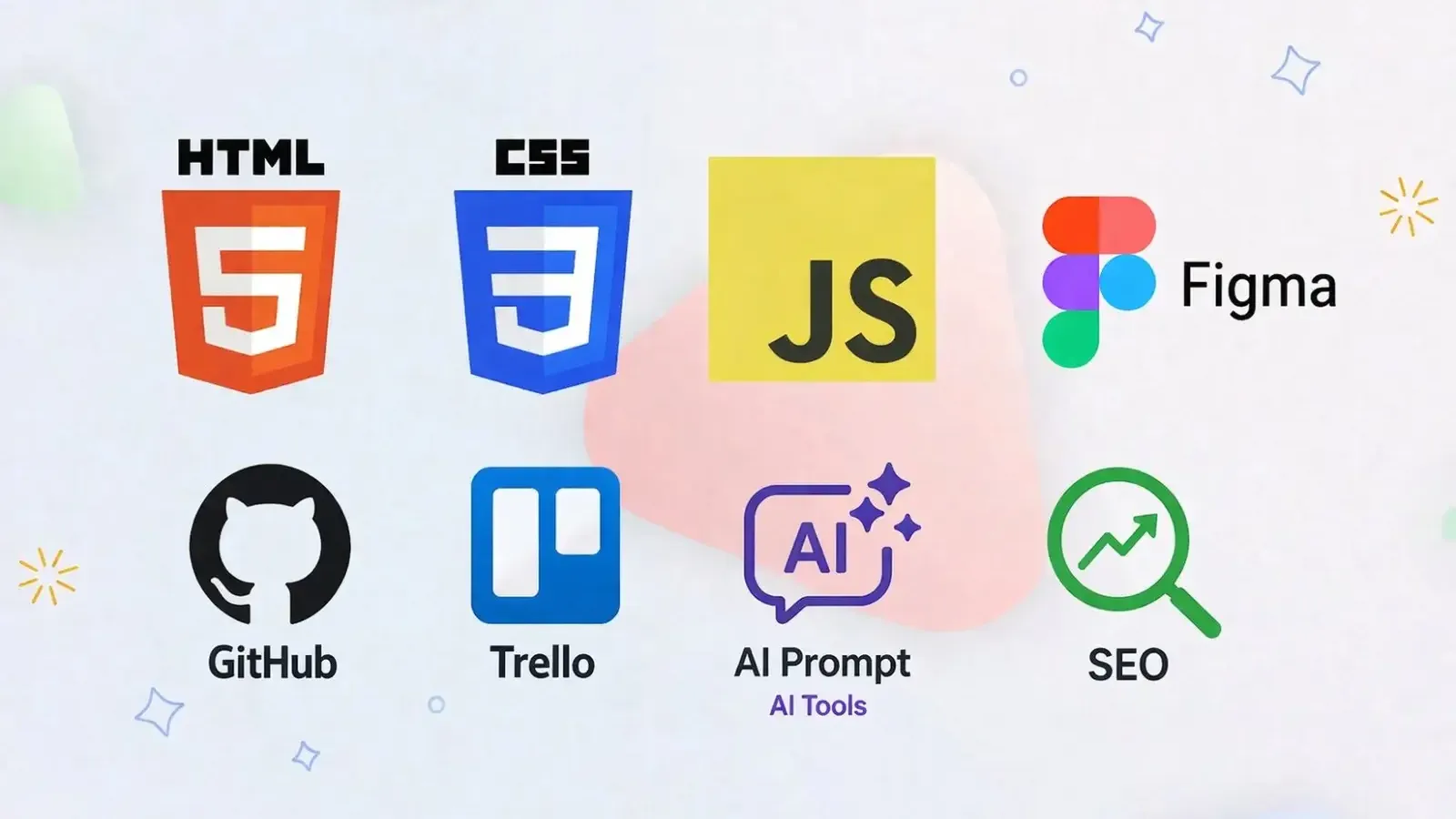
Beginner-friendly 3-month bootcamp for SEE-level students — design in Figma, build websites with HTML, CSS & JavaScript, go dynamic with PHP & MySQL, then learn SEO, AI tools, and deploy your own live site.
Rs. 15,000
Rs. 20,000Access
mobile and TV
Completion
Course Overview
What You Will Learn:
Web Foundations: How the internet and websites work
Design basic: UI/UX principles, layout, colours , typography , figma basic
Frontend basic: HTML, CSS, Basic JavaScript
Backend Basics: Introduction to PHP and MySQL (server-side logic & database handling)
Responsive Design: Making websites work on mobile & desktop
SEO Fundamentals: Making websites searchable
AI for Creators: Using AI tools for design and coding
Developer basics: Intro to Git & GitHub pages deployment
Project Management Tools: Managing and Tracking project progress using Trello
COURSE OBJECTIVES
By the end of this 12-week program, you will be able to:
Understand how websites work from the ground up
Build clean, structured, and semantic HTML pages
Design modern, responsive layouts using CSS
Bring your websites to life with basic JavaScript interactivity
Work on real-world mini projects to strengthen your skills
Develop dynamic websites using PHP
Work with databases using MySQL
Improve website performance with essential SEO techniques
Leverage AI tools to enhance your design and coding process
Launch your own website and make it live online
Explore and discover the digital career path that fits you best
Ideal For:
Students with little to no coding experience who want to explore the digital world
SEE-level learners curious about web design, development, and technology
Beginners looking to build a strong foundation before diving into advanced programming
Creative minds interested in designing and building both static & dynamic websites
Students eager to explore real-world projects and hands-on learning
Anyone interested in discovering career opportunities in tech and digital fields
PROJECTS
Design your own Personal Portfolio Website in Figma
Build a practical To-Do List Application to organize tasks
Create a dynamic Weather Forecast App with live data
Develop a Database-driven Website (login/signup system using PHP & MySQL)
Develop an SEO-optimized, AI-assisted Personal Portfolio Website/News Website
Showcase your skills with a Capstone Project integrating frontend + backend + database
Beginner-friendly 3-month bootcamp for SEE-level students — design in Figma, build websites with HTML, CSS & JavaScript, go dynamic with PHP & MySQL, then learn SEO, AI tools, and deploy your own live site.
Your Learning Journey
Our curriculum is researched, developed & updated by understanding the global scope & job demands. Conducted by industry-leading expert instructors, the program offers more than 85% of an in-depth practical approach backed by essential theoretical frameworks.
Everything You Receive
Live classes
Live classes and streaming
Recorded Videos
Get our streamed video
Certificate
Verified
Internship
Real-world experience
Course Curriculum
1.1 Digital Career Paths After This Course
- Web Designer
- Frontend Developer
- Backend Developer
- UI/UX Designer
- SEO Specialist
- AI Prompt Engineer
- Digital Marketer
1.2 How the Web Works
- What happens when you type a URL
- Browser and server (simple explanation)
- Domain names and hosting
- Static vs dynamic websites
Learning Outcomes
- Understand how the internet works
- Know different tech career paths
- Set up a basic coding environment
2.1 Design Principles
- Colour theory basics
- Typography basic
- Spacing and alignment
- Visual hierarchy
2.2 Introduction to UI/UX
- What makes a website good?
- Good vs bad design examples
- Accessibility basic
- Mobile-first thinking
2.3 Design Tools
- Introduction to Figma
- Familiarizing with Figma – Simple Portfolio Site
Practical Exercise
- Design portfolio site which should include:
- Home page: introduction and navigation menu
- About page: personal information
- Project Page: list of projects
Tools
- https://colourcontrast.cc/
- Learning Outcomes
- Understand basic design rules
- Create simple UI layouts
- Think like a designer
Development Environment Setup
- Installing VS Code
- Creating project folders
- Using browser developer tools
3.1 HTML basics
- Document structure
- Tags and elements
- Headings and paragraphs
- Class and Id
3.2 Links, Lists & Images
- Navigation with anchor tags
- Ordered and unordered lists
- Images and alt text
- Table
- Assignment:
- Other Common HTML Tags
3.3 Semantic HTML
- Introduction
- Why structure matters
3.4 Forms & Input Elements
- Introduction to Forms
- input – All Input Types
- Labels & Grouping
- textarea – Multi-line Text Input
- select, option – Dropdown Menus
- datalist – Autocomplete Suggestions
- button – Buttons
- Common Form Attributes (Summary)
- Media Elements – audio & video
- Embedding External Content – iframe
- Complete Form Example
Learning Outcomes
- Create structured HTML documents
- Use semantic tags properly
4.1 CSS basics
- Introduction to CSS
- Cascading Rules
- Spacing and Box Model
- Background properties
- Gradient
4.2 Display and Layout basics
- Display and Positioning
- Flexbox (basic usage)
- Overflow Content
- CSS Grid (Advanced Layout)
- Practical Exercise
4.3 Visual Effect, CSS Interaction & Advanced Selectors
- Pseudo-classes and Pseudo-elements
- Visual Effects
- Transition And Animations
4.4 Mobile First Responsive
- What responsive design means
- responsive/relative units
- Media queries
- Breakpoints
- Mobile first design
Practical Exercise
- Style your HTML website
- Create a responsive home, about, and portfolio page
Learning Outcomes
- Style websites using CSS
- Create clean layouts
- Build responsive pages
5.1 JavaScript Fundamentals
- Introduction to JavaScript
- Variables and Data Types
- Operators, Conditions, Loops, and Strings
- Array and Objects
- Functions and Methods
- Built-in Function: Intervals
5.2 Working with the DOM
- Introduction to DOM
- Changing Webpage Content
- Class Manipulation
- Creating and Removing Elements
- Forms and Input Handling
- Browser Storage (Teach when making To -Do list)
5.3 Modern JavaScript Development
- OOP
- sync js, async js, call-back, call-back hell, promises, and async await
- IIFE and Error Handling in JS
- API and Data fetching
Learning Outcomes
- Understand programming basics
- Add interactivity to web pages
- Build small functional projects
6.1 Introduction to Backend Development:
- The Request-Response Cycle: How servers and browsers communicate.
Development Environment Setup:
- Installing XAMPP/MAMP/WAMP (Local server stacks)
- Configuring Apache and MySQL services
- Setting up the htdocs directory
PHP Basics:
- PHP tags and file structure (.php)
- Variables, Data Types, and Constants
- Echo vs Print
6.2 Control Structures & Functions
- Logic and Flow:
- Conditional statements: if, else, elseif, switch
- Comparison and Logical Operators
- Loops:
- while, do-while, for, and foreach
- Functions:
- Defining and calling functions.
- Function arguments and return values
- Global vs. Local scope
6.3 Working with MySQL Databases
- Introduction to Relational Databases:
- What is a Database? Tables, Rows, and Columns.
- Introduction to phpMyAdmin.
- SQL Fundamentals (CRUD):
- Create: INSERT INTO
- Read: SELECT, WHERE, ORDER BY
- Update: UPDATE
- Delete: DELETE
- Database Relationships: Primary keys and Foreign keys.
6.4 Connecting PHP to MySQL
- Database Connection:
- Using mysqli (Procedural vs. Object-Oriented).
- Handling connection errors.
- PHP & Forms:
- $_GET vs. $_POST methods
- Sanitizing user input to prevent SQL Injection
- Data Persistence:
- Fetching data from MySQL and displaying it in HTML tables
- Building a basic Login/Registration system
State Management:
- Introduction to $_SESSION and $_COOKIE.
6.5 Advanced Concepts & Integration
- File Handling: Uploading images and files to the server.
- Error Handling: Try-Catch blocks and custom error messages.
Project Architecture:
- Including files: include vs. require
- Separating logic from presentation (Basic MVC concept)
Learning Outcomes
- Connect a dynamic frontend to a MySQL backend.
- Perform secure CRUD operations on a database.
- Manage user sessions and form data effectively.
6.1 Introduction to SEO
- What is SEO?
- Keywords – What People Search For
6.2 SEO basics
- On-Page SEO basics
- Semantic HTML & Accessibility
- Mobile-Friendly & Responsive Design
- Page Content & URLs
- Structured Data for SEO
6.3 Writing for the Web
- Writing good headings
- Writing meta descriptions
- Structuring Content Properly
6.4 Performance basic
- Image Optimization
- Why Page Speed Matters?
Learning Outcomes
- Understand website visibility
- Apply basic SEO techniques
- Structure content properly
- Introduction to AI for Developers
- Prompt Writing Basics
- Using AI for Coding
- Using AI for Design
- Responsible AI Usage
- Practical Workflow - Developer + AI
8.1 Basic Git Introduction
- What is version control?
- Basic commit concept (simple explanation)
- Using the VS Code Source Control panel
8.2 Simple Deployment
- Uploading site to GitHub Pages.
- Making your site live
8.3 Portfolio Introduction
- Showcasing projects
- Writing Project Descriptions
8.4 Project Planning
- Choosing project type
- Wireframing basic layout
- Planning structure
- Project Management Tools: Trello
FAQs
Mystic Academy offers IT training programs in Web Development, Graphic Design, and Basic Computer & MS Office at our institute in Kathmandu. All courses are open to students, professionals, and complete beginners — no prior experience needed.
Yes. Mystic Academy in Kathmandu welcomes learners of all backgrounds — students, working professionals, and career-changers — even with zero prior IT knowledge. Our courses range from beginner to advanced levels, so there is no technical background required to get started. During the free counseling session at our Kathmandu office, our team will assess your current level, interests, and goals to help you choose the most suitable course.
The duration varies by course. Most programs at Mystic Academy in Kathmandu are designed to be completed within 1 to 3 months — making them ideal for students on a break, professionals with a busy schedule, or anyone looking to gain a job-ready skill quickly.
You can enroll at Mystic Academy by sending your details via the inquiry form above, or by visiting our office at Falfulchowk, Sorakhutteu, Kathmandu. The enrollment process is simple — fill out a form and pay the advance fee. Our team will guide you through everything from there.
Completing IT training at Mystic Academy in Kathmandu gives you practical, hands-on skills that complement further studies in Computer Science or Information Technology — and provide a direct career advantage in Nepal's growing tech industry. Whether you are a student continuing to higher education or a professional switching careers, the skills you build here translate directly to real-world results.
A certificate from Mystic Academy in Kathmandu carries real weight in Nepal's IT job market. Our certifications are verifiable and recognized by industry partners both locally and internationally. Whether you are applying for a job in Nepal or abroad, your Mystic Academy certificate validates the practical skills and real-world projects you completed during your training.
Absolutely. At Mystic Academy in Kathmandu, anyone can start learning basic IT and AI skills from scratch — no prior knowledge or technical background needed. Our instructors guide every learner step by step from the very beginning.
At Mystic Academy in Kathmandu, we recommend all new learners start with: Computer Basics, Programming fundamentals (Python is most common for AI), Basic math and logic, and Internet and digital tools. Our beginner courses in Nepal are structured to build these foundations from scratch — regardless of your age or background.
You can start with basic programming, data handling, problem solving, and understanding how AI tools work.
Technology is everywhere. IT and AI skills help anyone — regardless of age or background — get better jobs, work remotely, and build solutions for real problems. For learners in Nepal, these skills open doors to both local opportunities and international careers.
Available Batches
Coming Soon
We're currently scheduling new batches. Stay tuned!
FAQs
Mystic Academy offers IT training programs in Web Development, Graphic Design, and Basic Computer & MS Office at our institute in Kathmandu. All courses are open to students, professionals, and complete beginners — no prior experience needed.
Yes. Mystic Academy in Kathmandu welcomes learners of all backgrounds — students, working professionals, and career-changers — even with zero prior IT knowledge. Our courses range from beginner to advanced levels, so there is no technical background required to get started. During the free counseling session at our Kathmandu office, our team will assess your current level, interests, and goals to help you choose the most suitable course.
The duration varies by course. Most programs at Mystic Academy in Kathmandu are designed to be completed within 1 to 3 months — making them ideal for students on a break, professionals with a busy schedule, or anyone looking to gain a job-ready skill quickly.
You can enroll at Mystic Academy by sending your details via the inquiry form above, or by visiting our office at Falfulchowk, Sorakhutteu, Kathmandu. The enrollment process is simple — fill out a form and pay the advance fee. Our team will guide you through everything from there.
Completing IT training at Mystic Academy in Kathmandu gives you practical, hands-on skills that complement further studies in Computer Science or Information Technology — and provide a direct career advantage in Nepal's growing tech industry. Whether you are a student continuing to higher education or a professional switching careers, the skills you build here translate directly to real-world results.
A certificate from Mystic Academy in Kathmandu carries real weight in Nepal's IT job market. Our certifications are verifiable and recognized by industry partners both locally and internationally. Whether you are applying for a job in Nepal or abroad, your Mystic Academy certificate validates the practical skills and real-world projects you completed during your training.
Absolutely. At Mystic Academy in Kathmandu, anyone can start learning basic IT and AI skills from scratch — no prior knowledge or technical background needed. Our instructors guide every learner step by step from the very beginning.
At Mystic Academy in Kathmandu, we recommend all new learners start with: Computer Basics, Programming fundamentals (Python is most common for AI), Basic math and logic, and Internet and digital tools. Our beginner courses in Nepal are structured to build these foundations from scratch — regardless of your age or background.
You can start with basic programming, data handling, problem solving, and understanding how AI tools work.
Technology is everywhere. IT and AI skills help anyone — regardless of age or background — get better jobs, work remotely, and build solutions for real problems. For learners in Nepal, these skills open doors to both local opportunities and international careers.
Available Batches
Coming Soon
We're currently scheduling new batches. Stay tuned!
Locate us
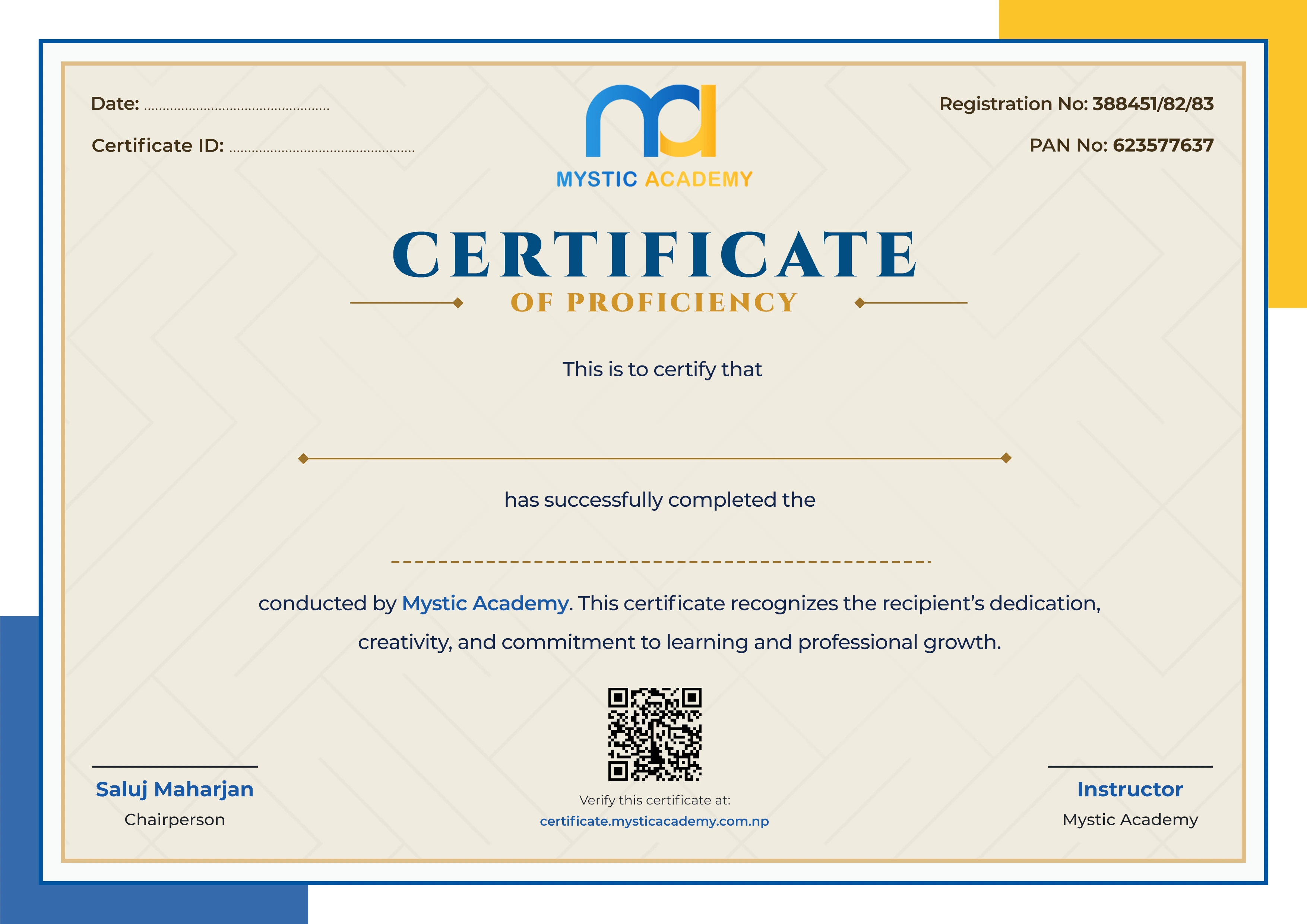
Earn a Certificate on completion
Upgrade your skill and get verified certificates that are recognized by top companies. These certificates help you showcase your expertise and enhance your professional profile.
Already earned a certificate? Verify it here
Similar Courses
Explore other programs that might interest you

Quick Inquiry
Choose Class Schedules :
Notification
Message goes here.